CLASE Manager is the webapp for teachers: build the groups, take attendance, log participation and see who needs attention — all in your browser.
Free: 1 class with every feature. No account, no credit card.
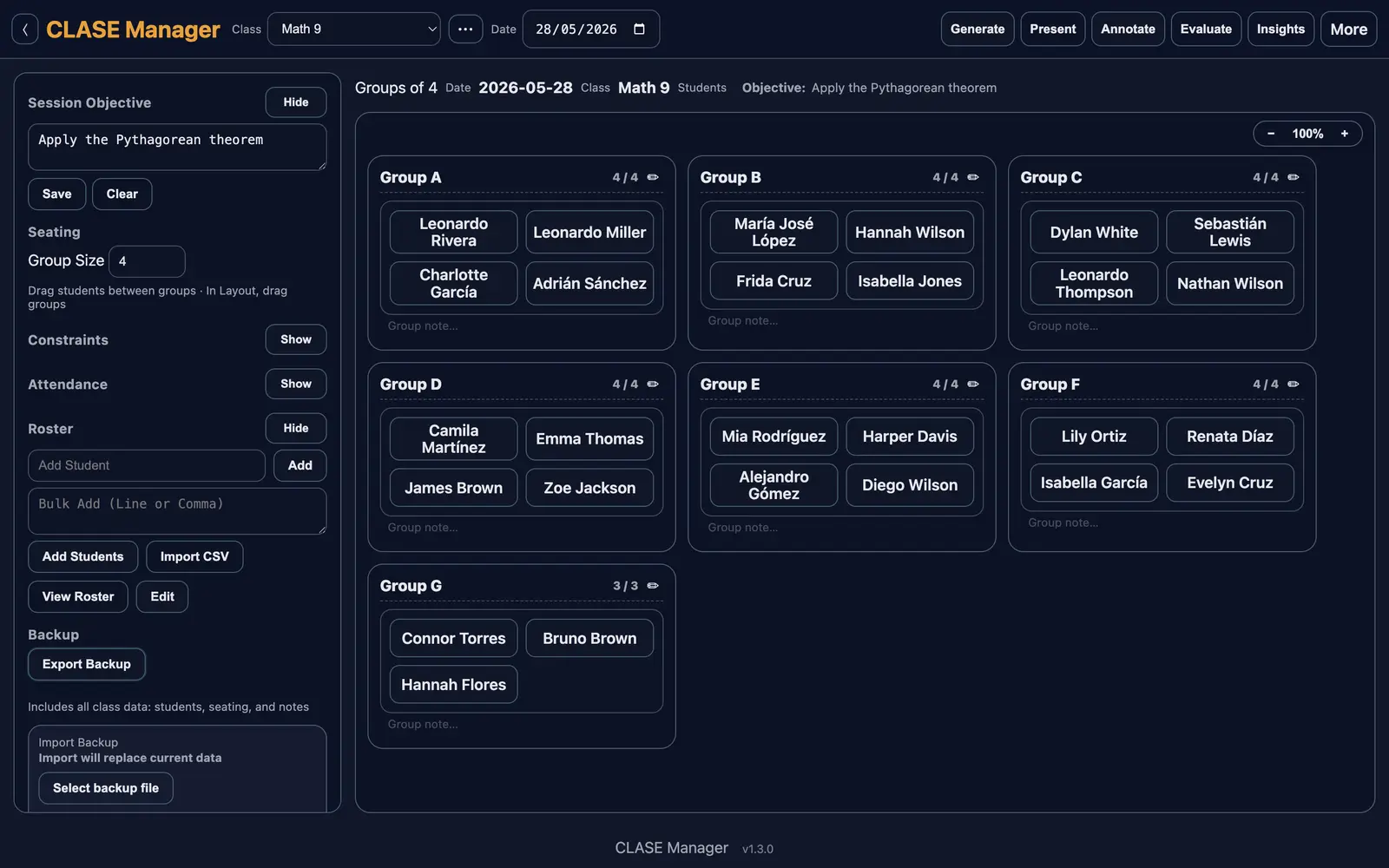
The same classroom, five characters. Switch anytime from Settings — every theme keeps everything readable on its own.
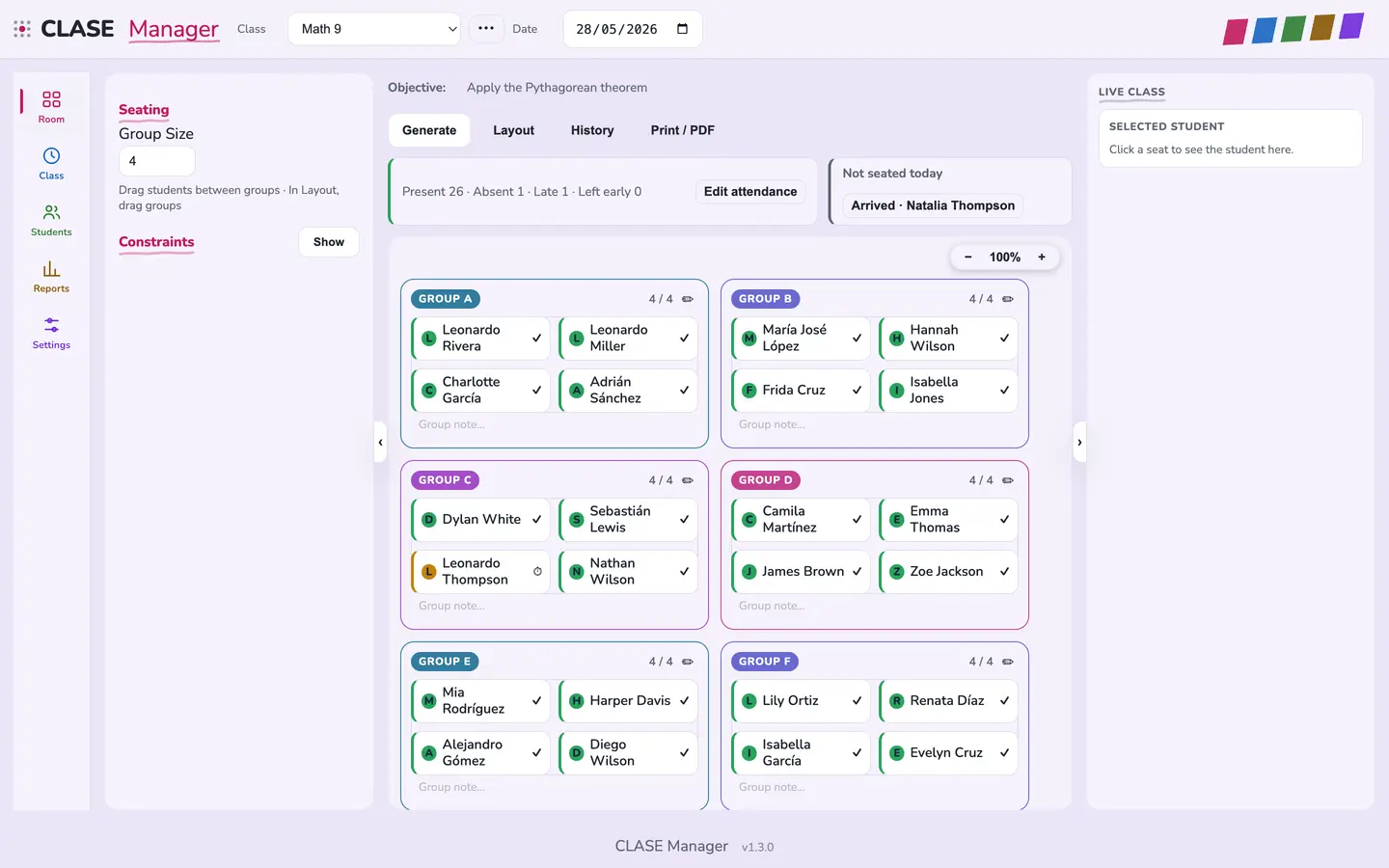
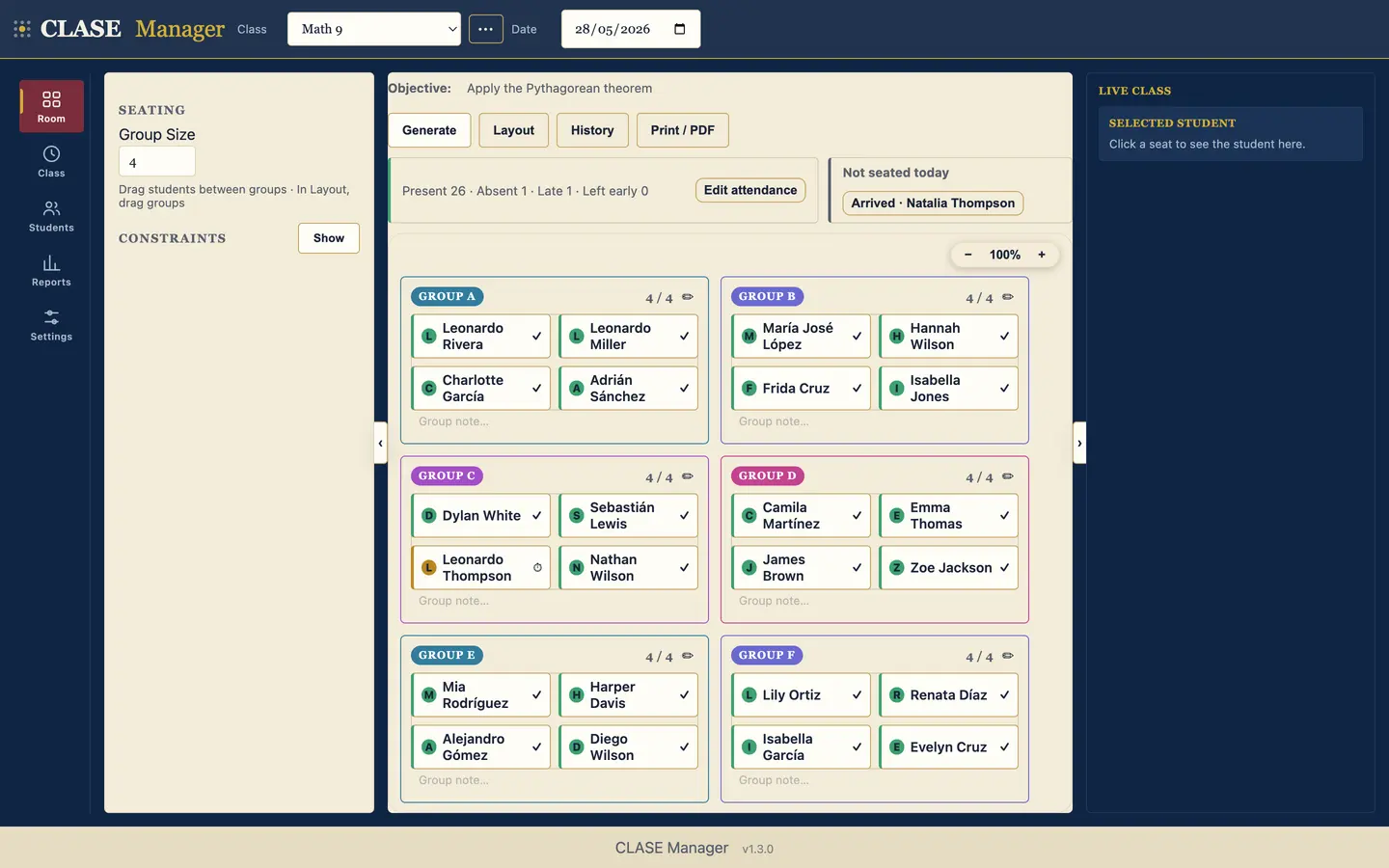
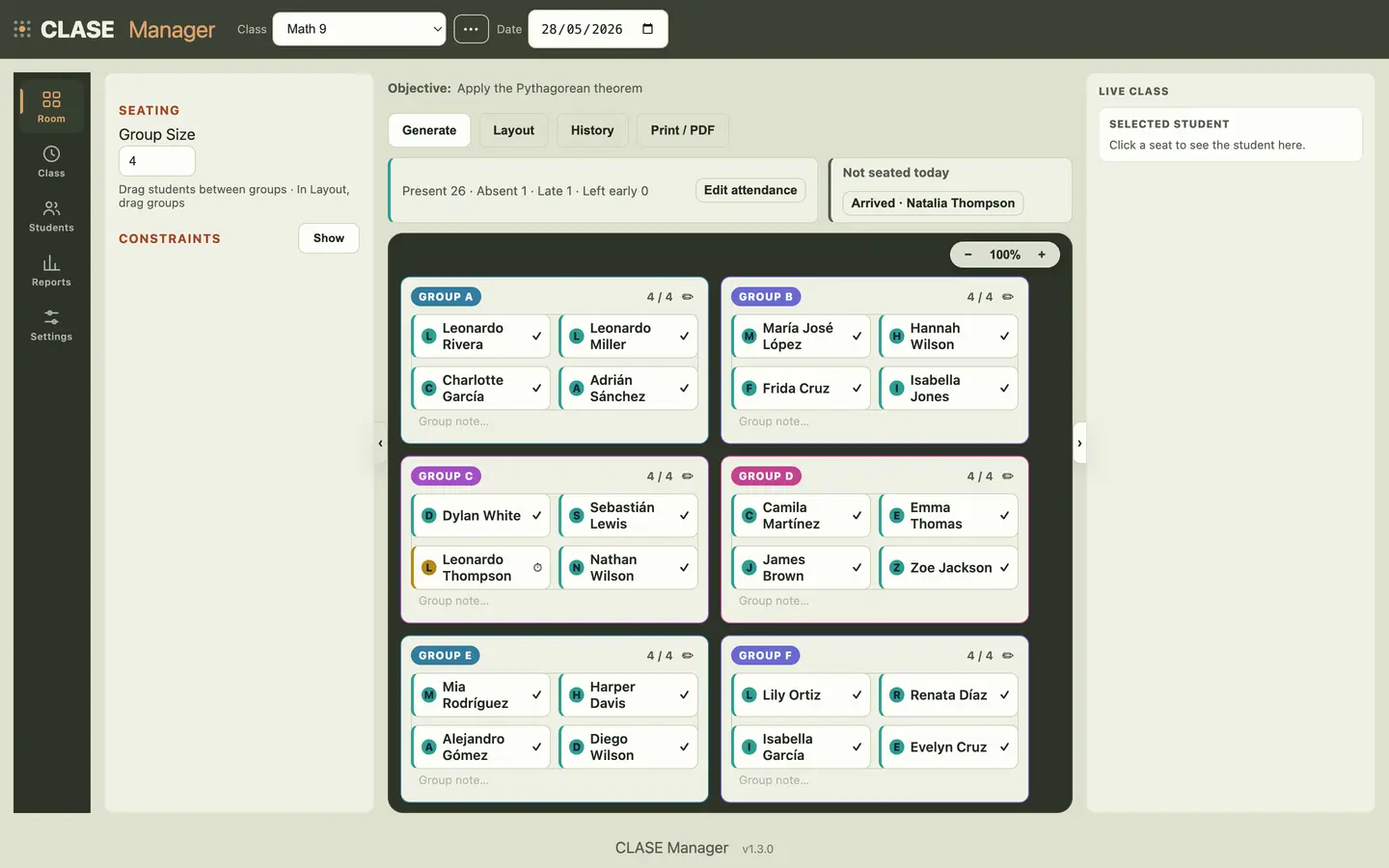
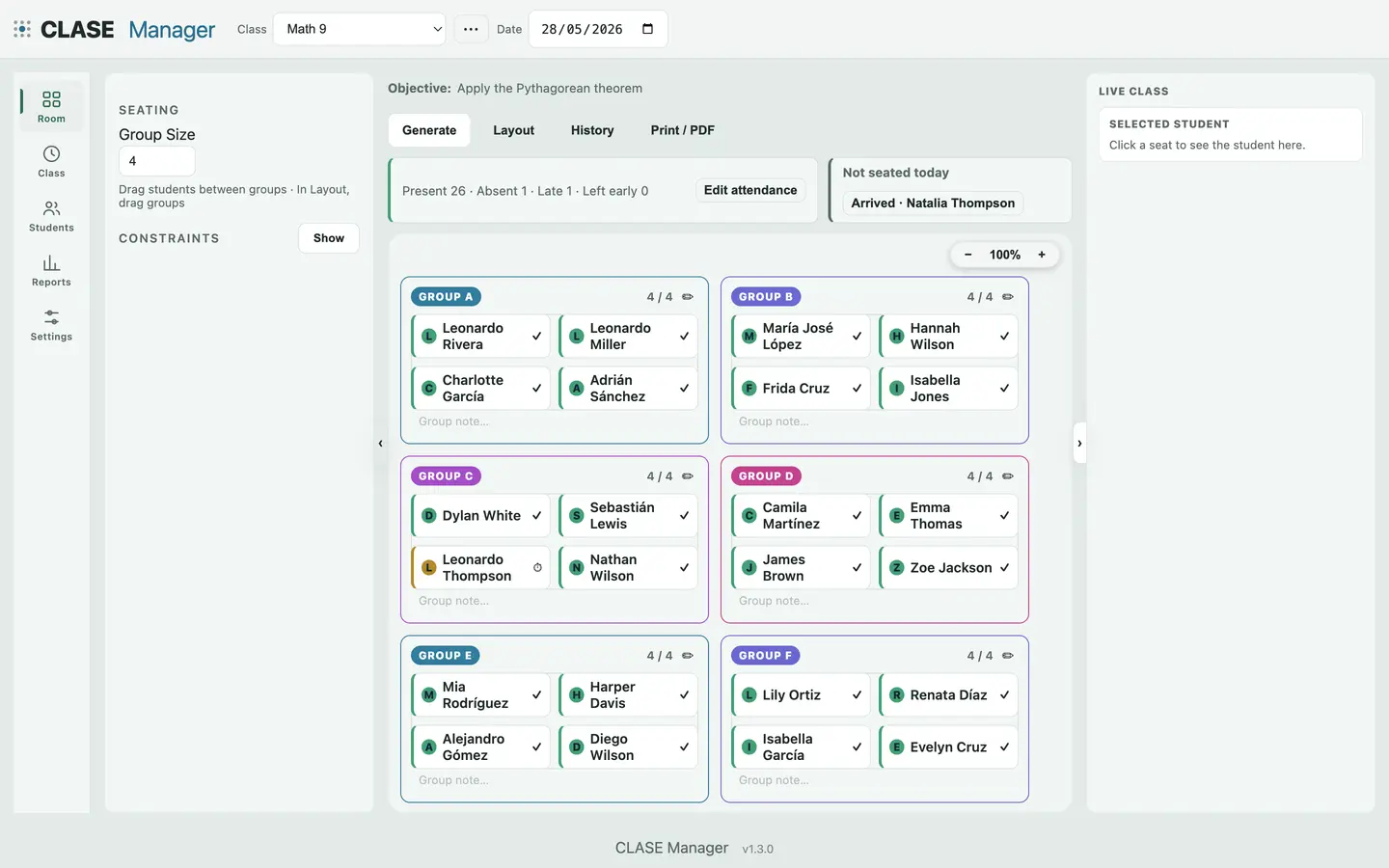
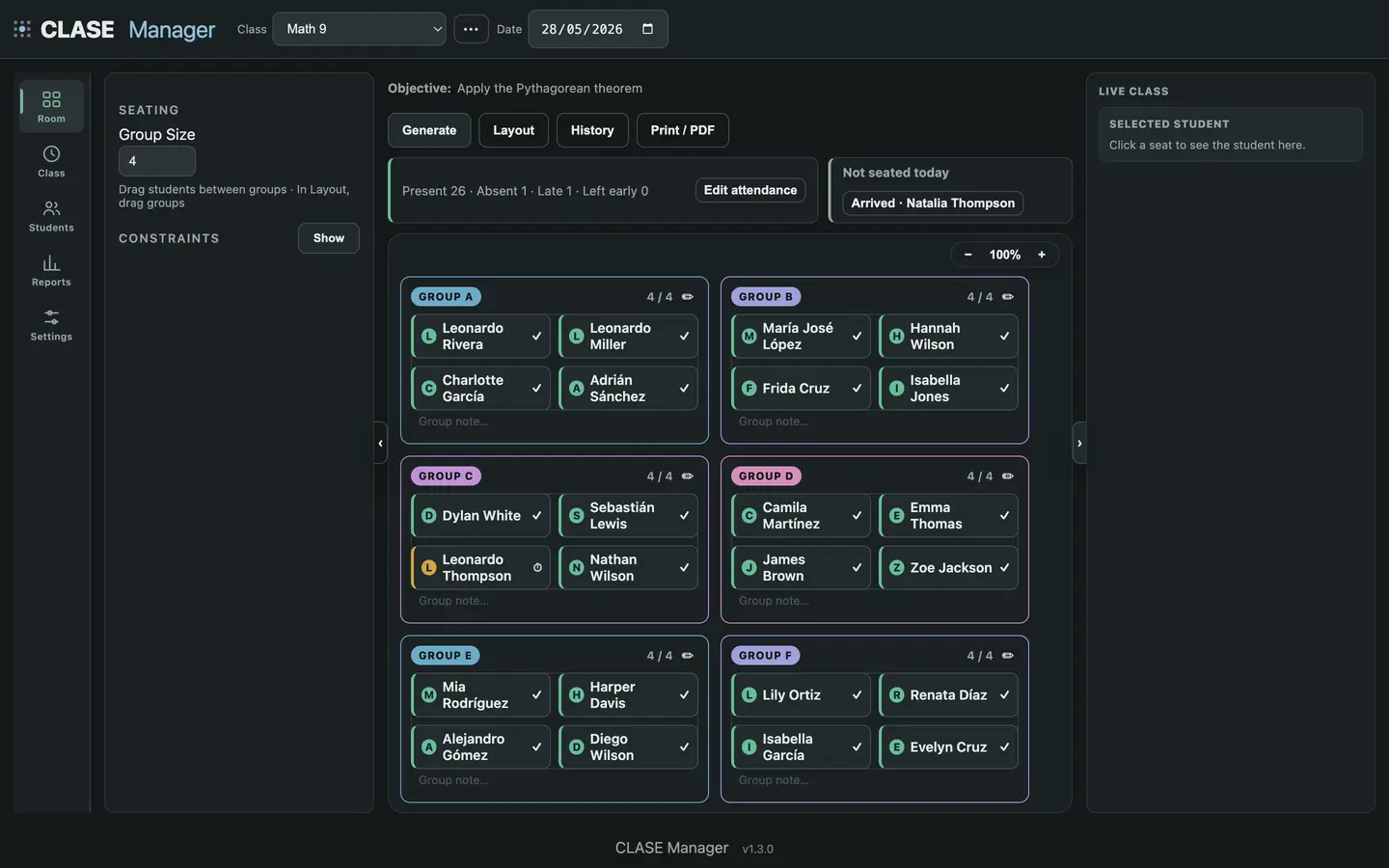
Between your lesson plan and your grades is what actually happens in class. CLASE Manager captures that.
Less time managing, more time teaching.
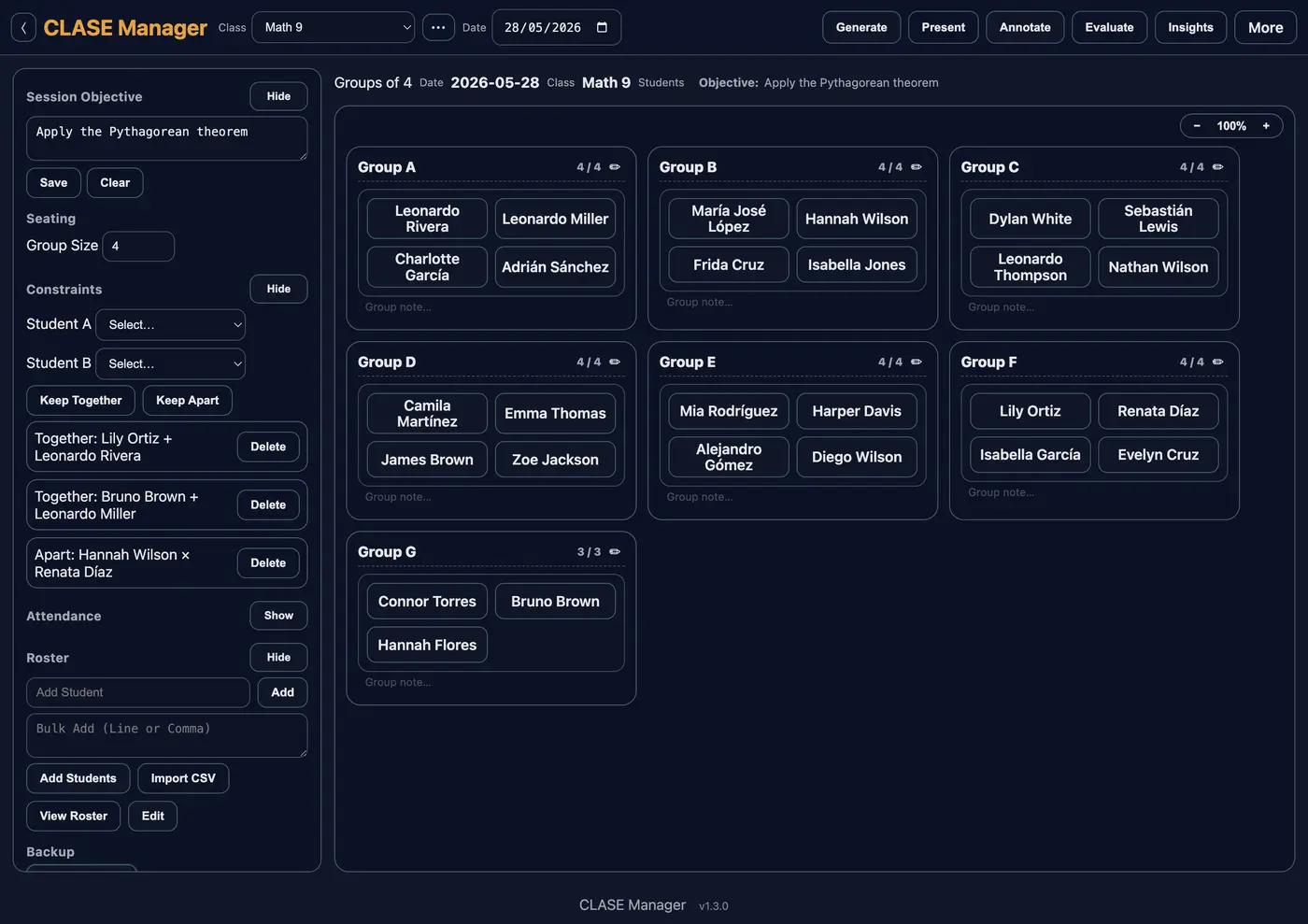
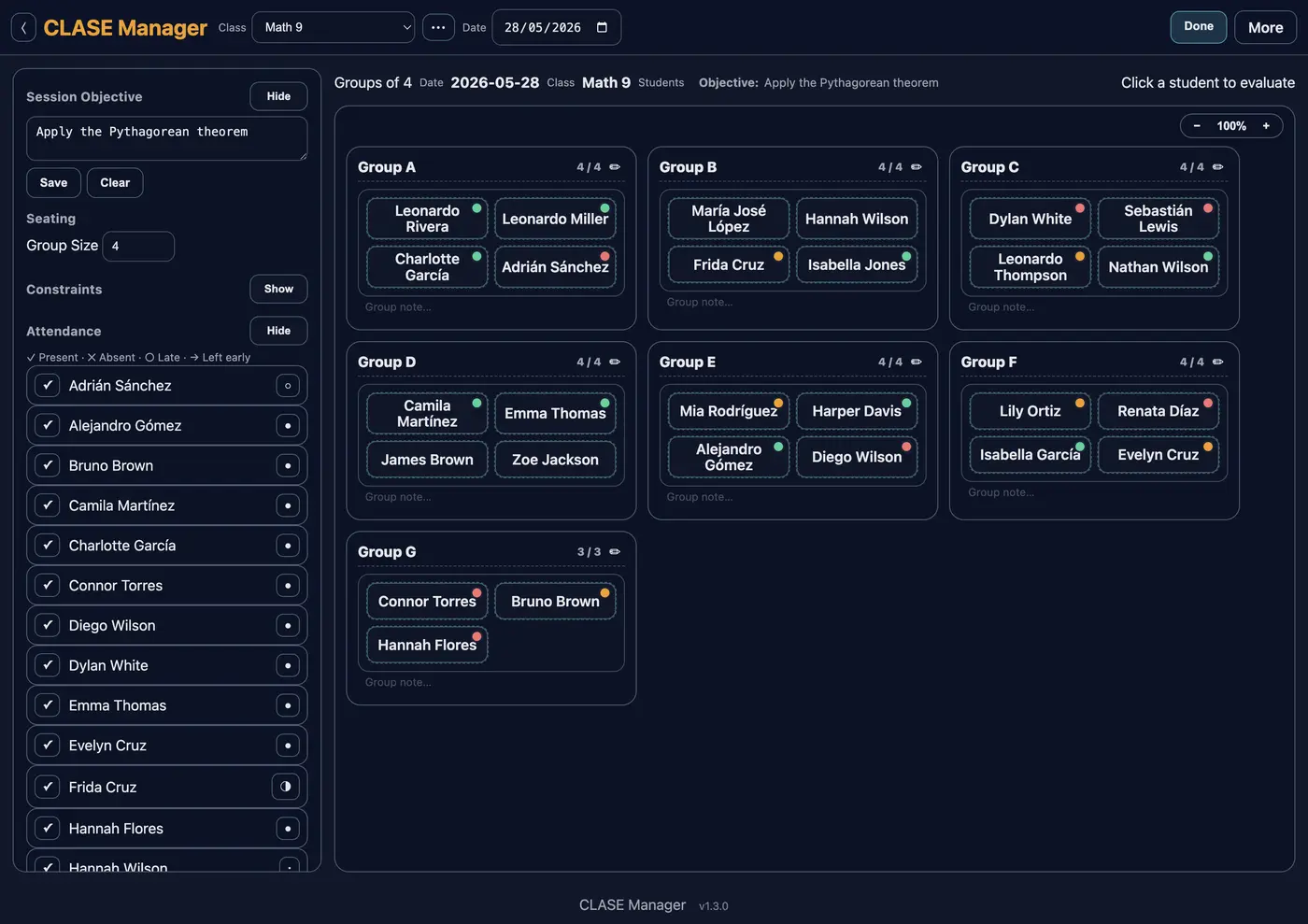
Generate balanced groups for every session, drag students between teams and save the layout by date. You can pin who works together — and who doesn't.
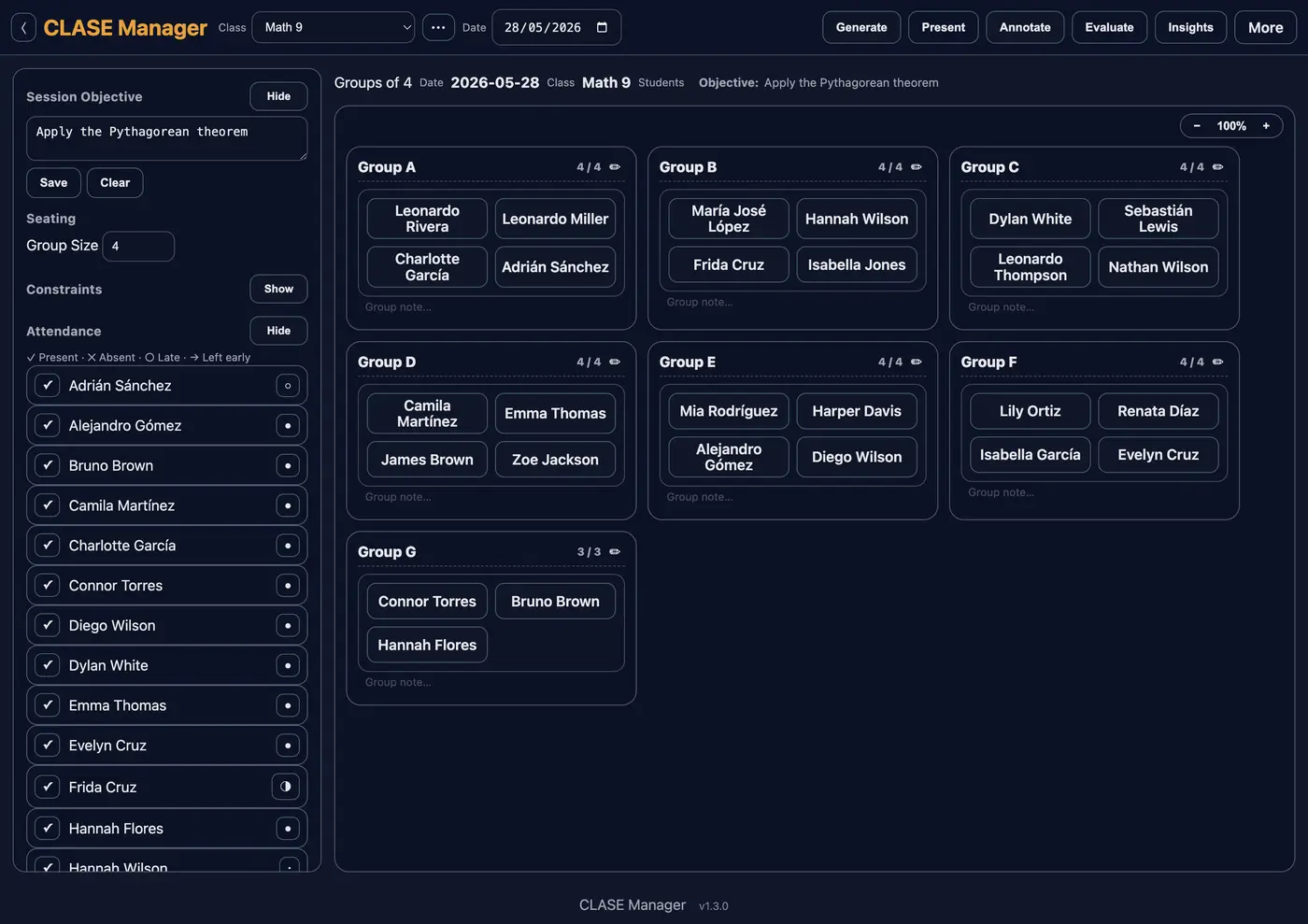
Present, absent, late or left early — one tap per student, right from the groups view. Attendance is saved by date, ready to review whenever you need it.
Set the day's objective and mark how each student is doing with a traffic light: meeting, approaching or developing. Track focus too: focused, distracted or disruptive.
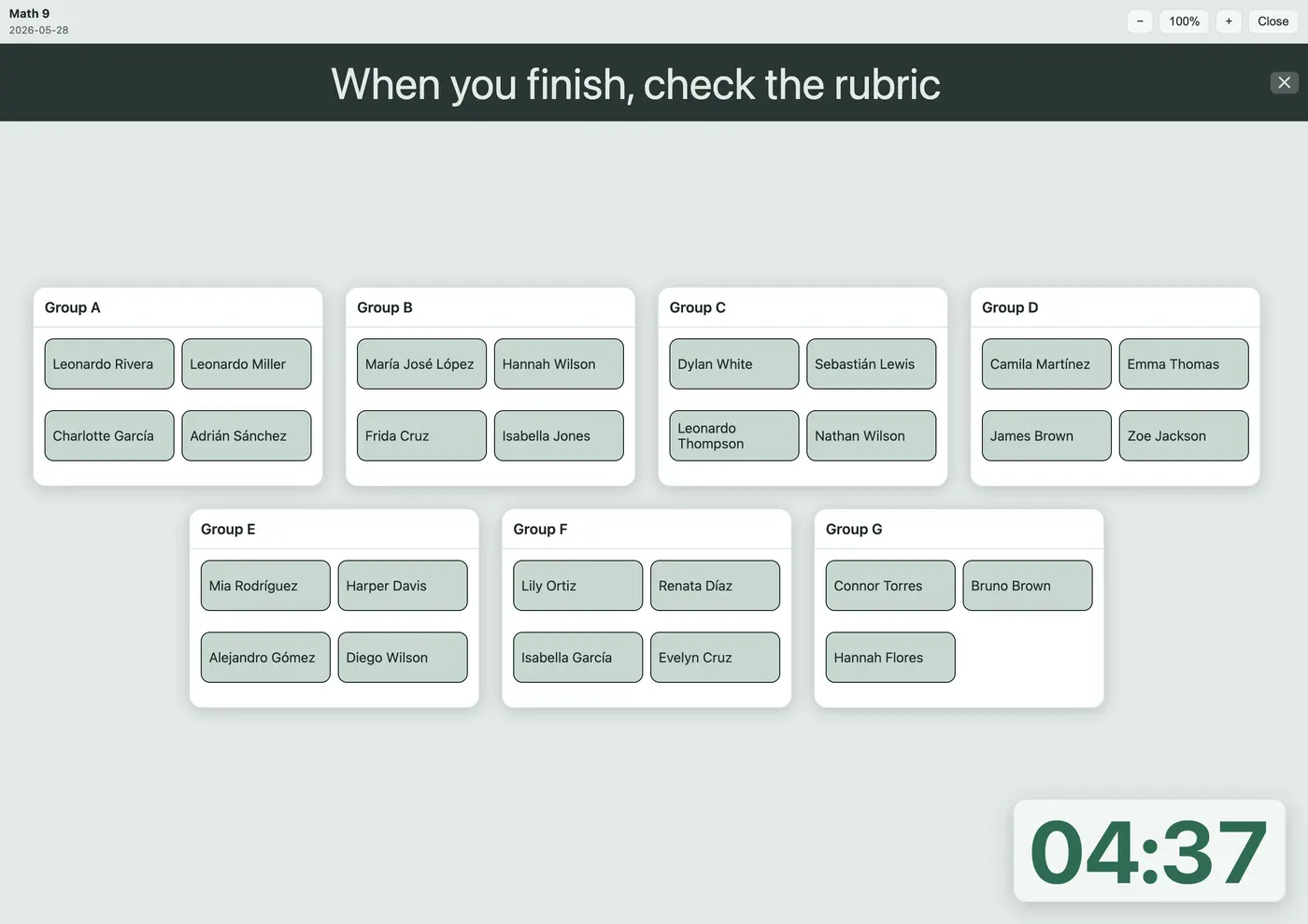
Open the projector view with the day's teams: pick a random student with no favoritism, run a giant activity timer and flash messages to the whole class — without ever showing your teacher screen.
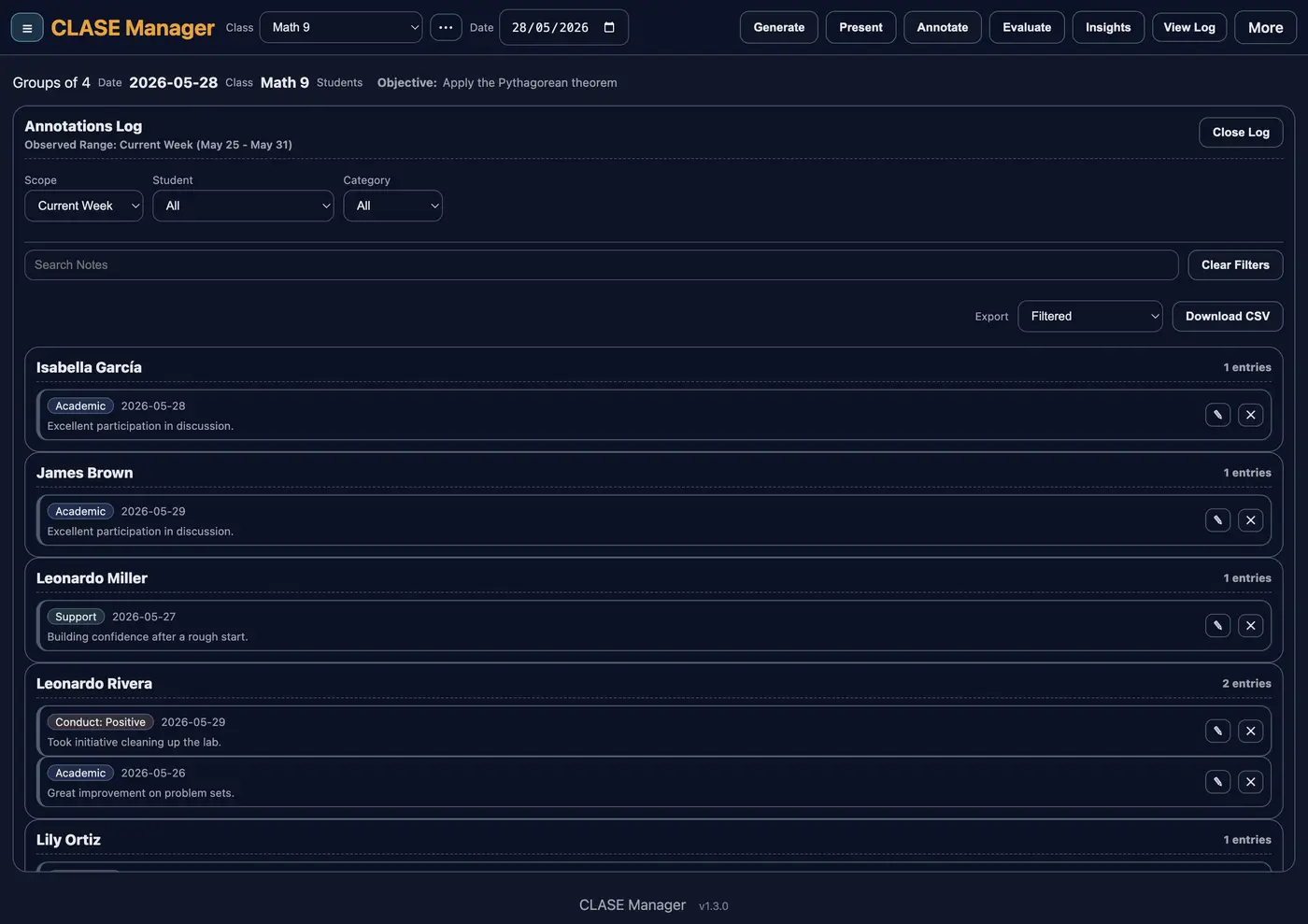
Log behavior, academic wins, attendance and support needs per student. Everything lands in one record you can filter by week, student or category — and export to CSV.
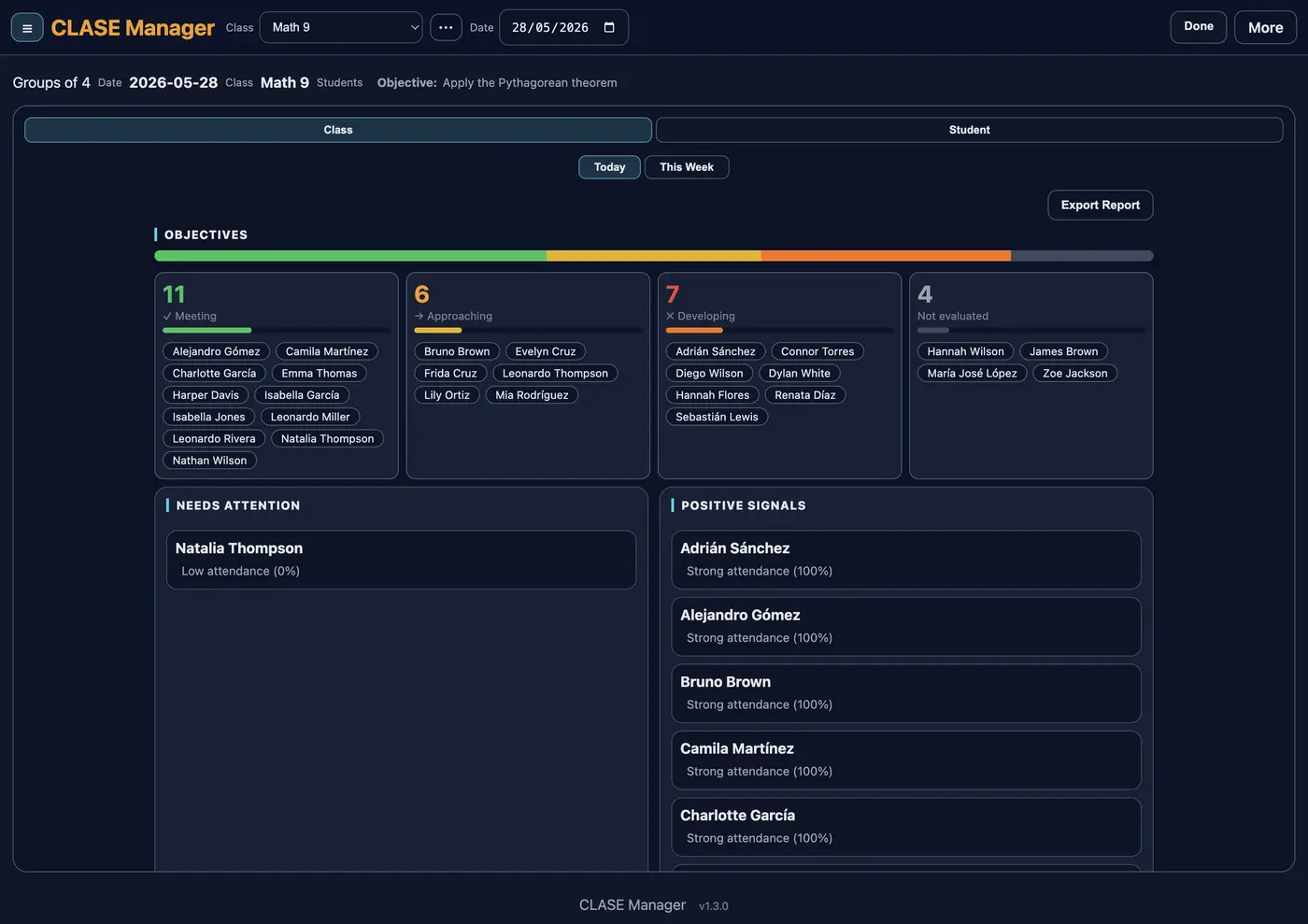
Your whole class at a glance: how many are meeting the objective, who needs attention and which positive signals stand out — computed from your own records, with nothing extra to capture.
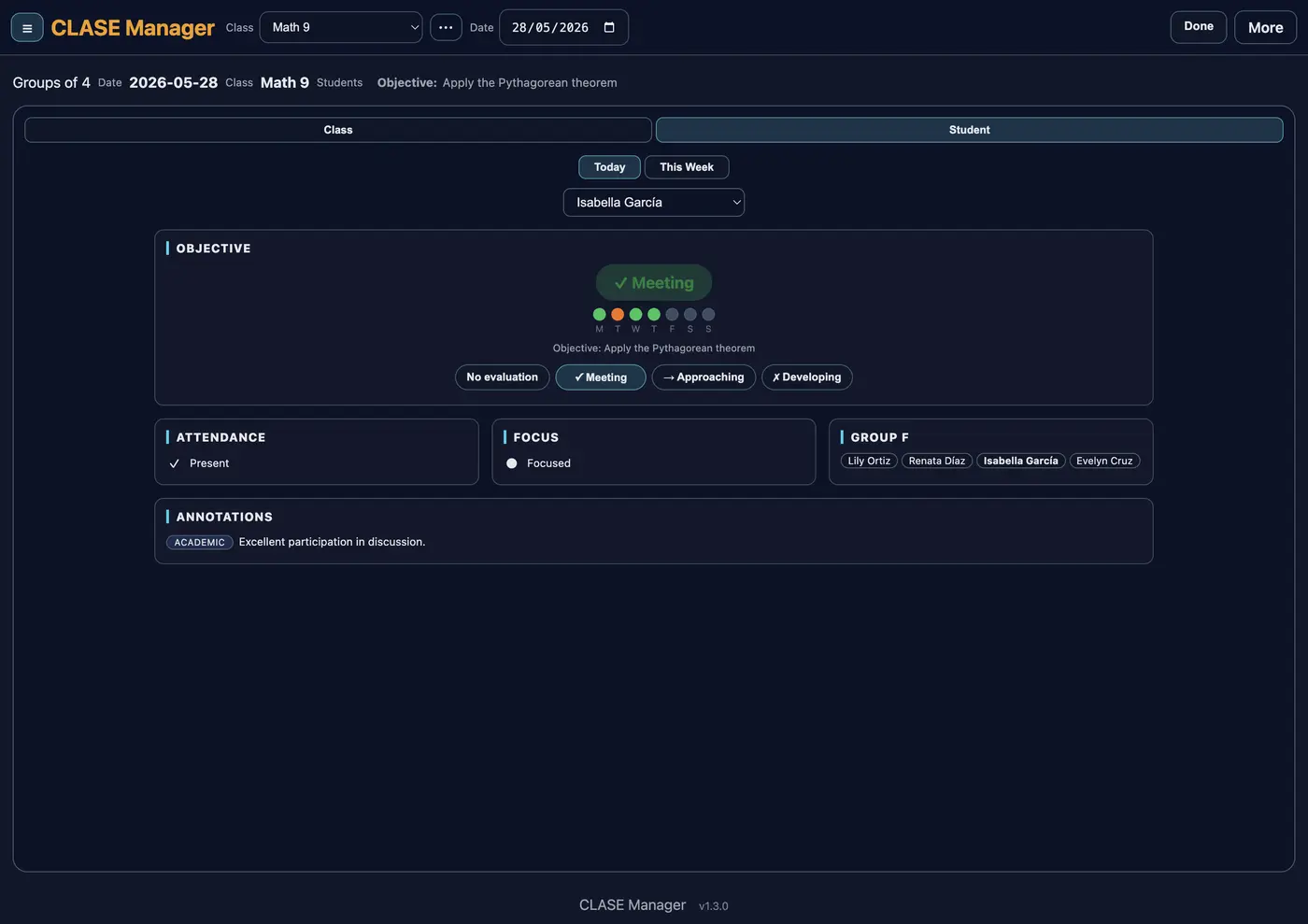
Each student's week on one card: objective, attendance, focus, their team and their notes. Perfect for parent meetings or staff reviews.
CLASE Manager keeps everything in your browser's local storage. No accounts, no servers holding your rosters — we never collect or see your students' data. To switch computers or protect yourself, export a backup file and keep it wherever you decide.
No subscriptions, no renewals. Start free and unlock the full version when you need it.
1 class with every feature
One-time payment, forever. Exact amount in your currency calculated at checkout.
The purchase link is inside the app; payment is processed securely by Lemon Squeezy and your key arrives by email instantly. And if you don't pay, you lose nothing: your class and your data keep working forever — only creating more classes and exporting reports require the full version.
Looking for options for your school? Write to hola@clasemanager.app and we'll work something out.
In your browser, in your computer's local storage. It never goes through our servers and we don't collect it. That also means that if you clear your browsing data without a backup, it's gone — which is why the app reminds you to export backups.
Nothing gets locked or frozen. The free version is 1 class with every feature, forever. Only two things require the full version: creating a second class and exporting PDF or CSV reports. Your existing data is never touched.
Up to 3 devices. If you switch computers, you can deactivate a device from Settings to free up the slot and activate the new one.
In the app: Backup → Export backup. A file downloads with all your classes, students, attendance and notes. You can import it on any other computer or keep it as a safety copy. Backups work the same in the free and full versions.
Questions? Write to us at hola@clasemanager.app
CLASE Manager was born from a teacher's daily need, right in the gap no one covers: lesson plans live on one side, grades on the other, and in between sits the day-to-day of the classroom. There are tools to build teams, take attendance or follow up on students — but scattered around, and jumping between them ends up stealing minutes from the lesson. CLASE Manager brings everything together in one place, without friction.
The app grew through daily use in a real classroom, feature by feature, each one because everyday practice asked for it. Once it matured, it opened up to every teacher.
Hence the vision behind the name: recording classroom learning and each student's engagement in one place. We invite you to try our Classroom Learning And Student Engagement Manager.